





Here's the Discord Changelog from August 11, 2026, so you can stay informed on what’s new in recent app updates!

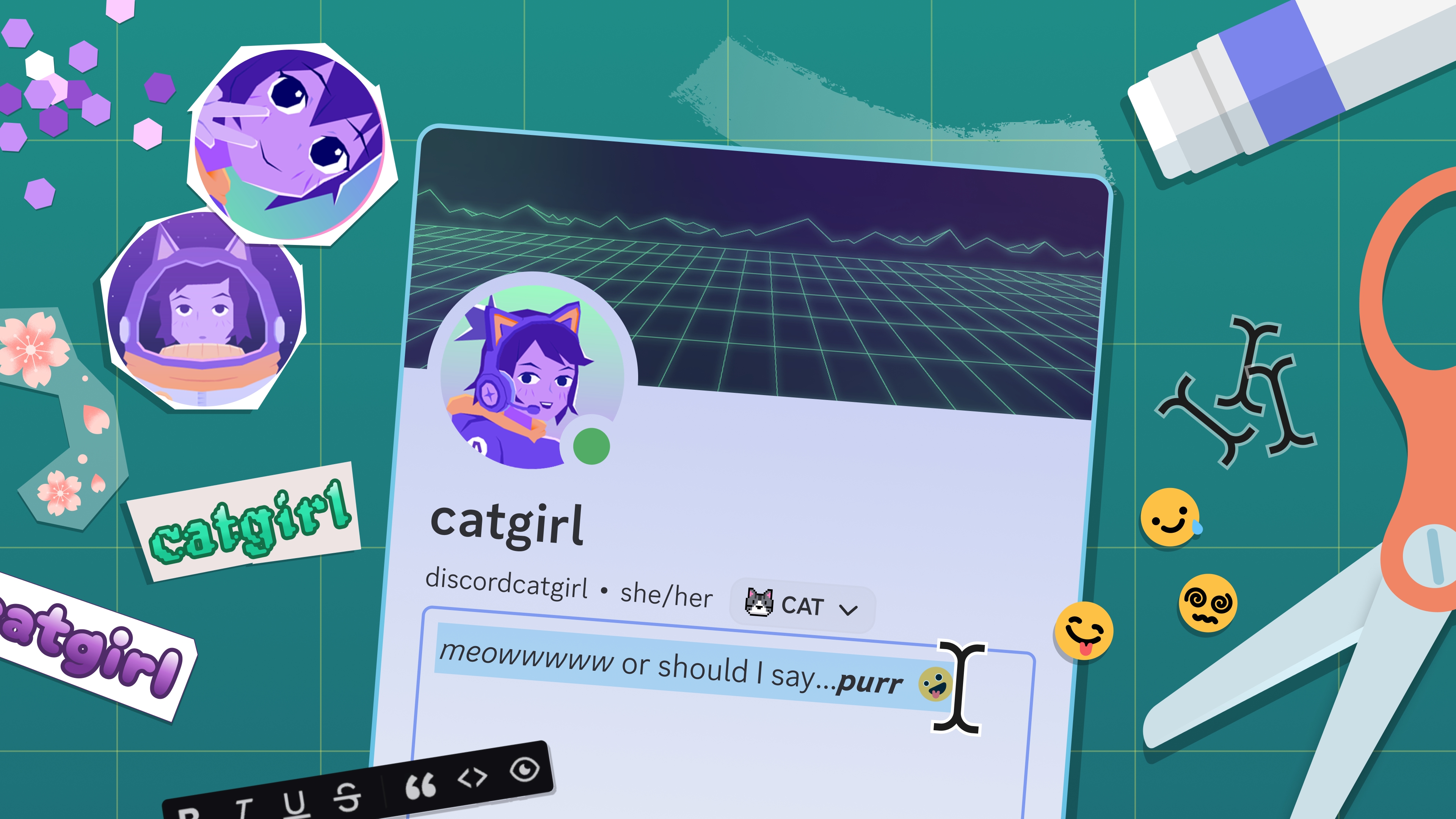
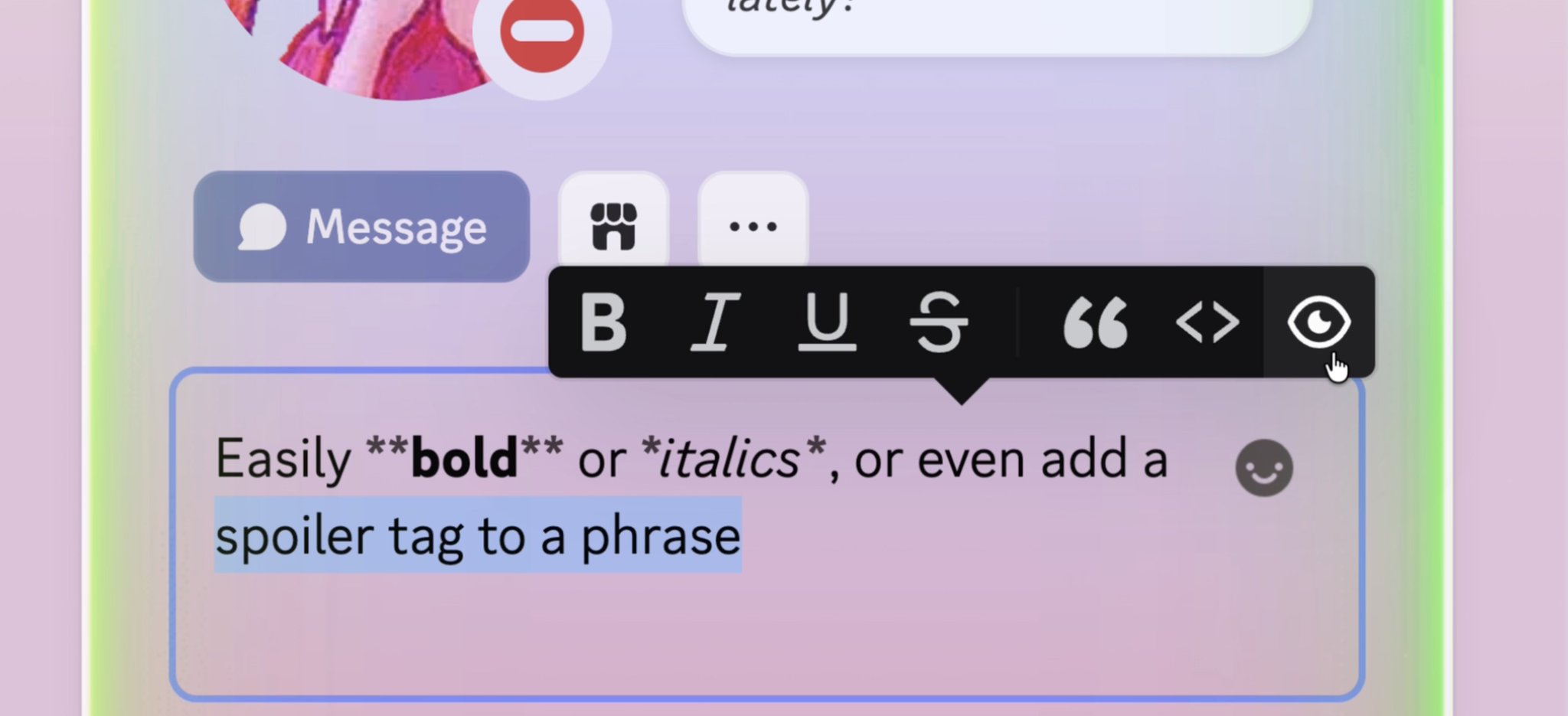
Make a BOLD first impression with new formatting tools on desktop to help put the finishing touches on your bio without having to memorize Markdown. Apparently, it’s called a “WYSIWYG” editor, which is really fun to say. WYSIWYSIWYSIWIG.
Now it’s time for a LOITWAODL, or: a List Of Improvements That Were Added On Discord Lately:
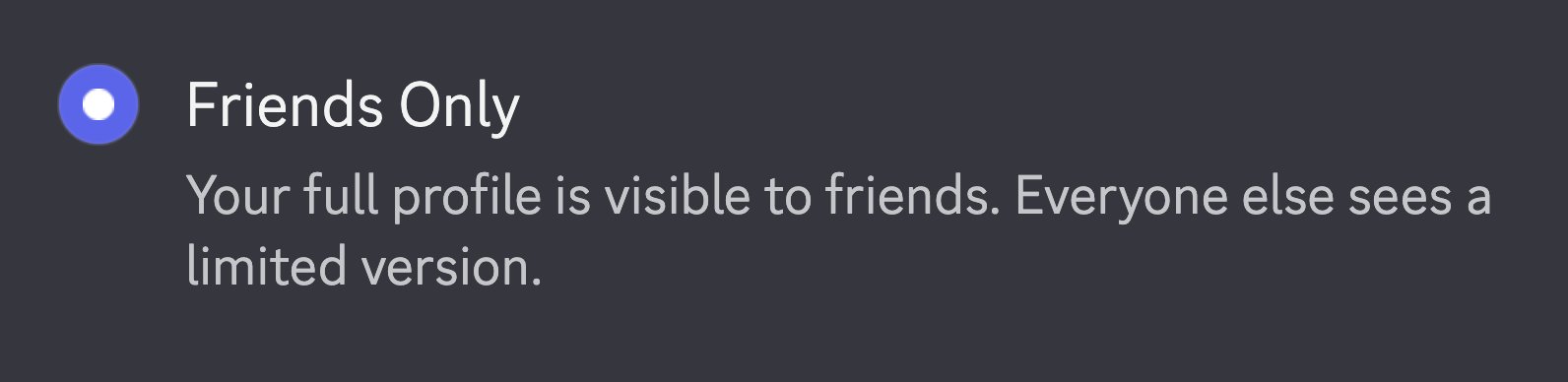
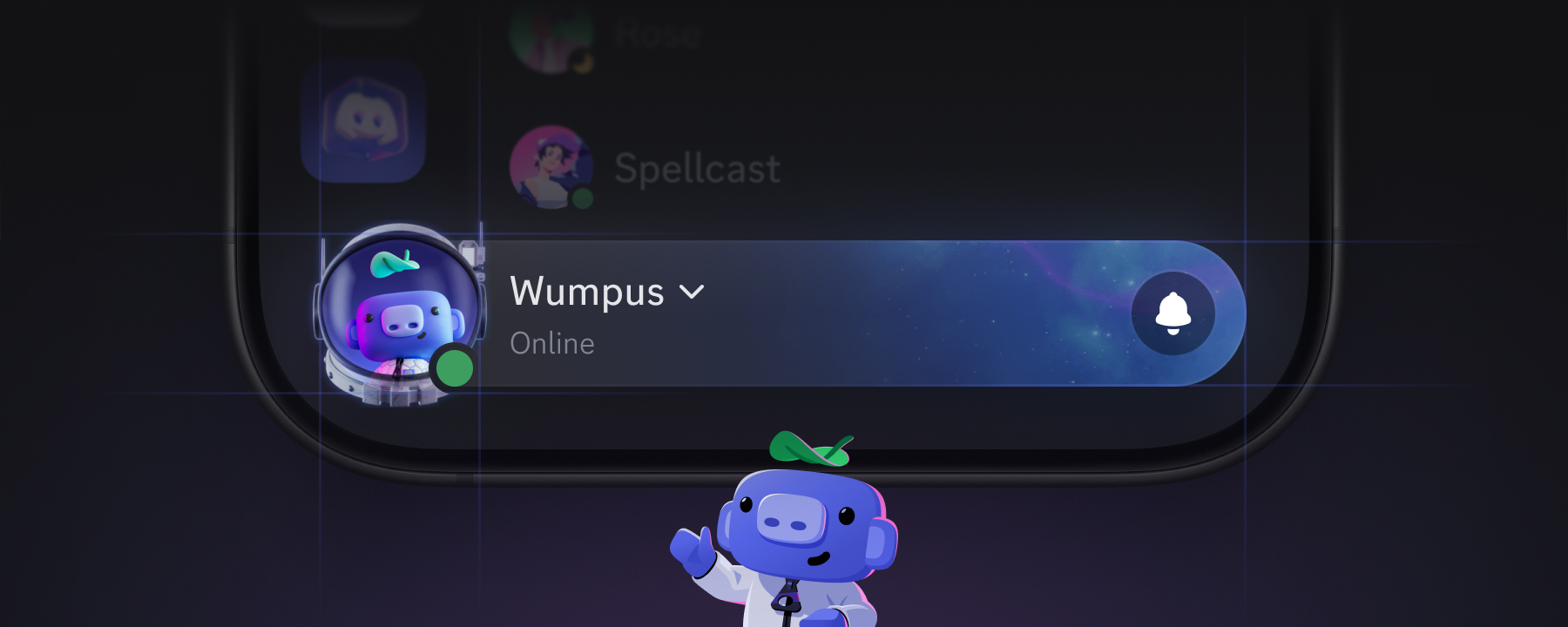
You can now set your profile as “Private.” Blind others with the majesty of your bio with everyone, just smaller servers, or just those you actually have added as a friend.
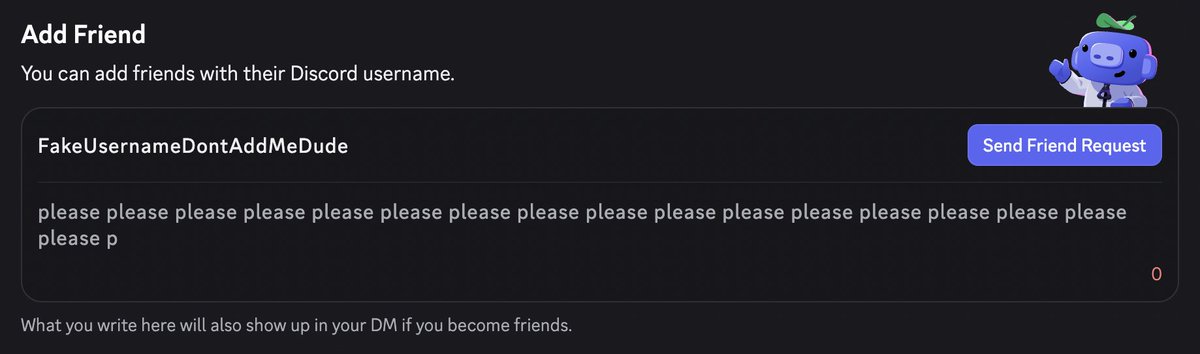
Attach a note when sending a friend request so your future buddy knows why you're adding them, that way they won’t ask “who the hell is this again??”
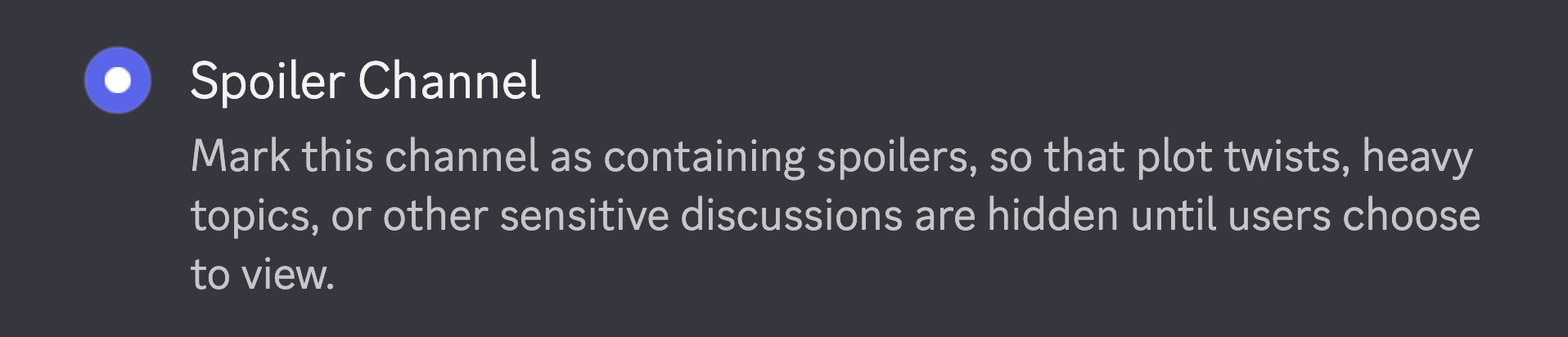
New spoiler channels make server members say “yeah man i wanna see it” before viewing a text channel, without moderators having to mark the entire channel as Age Restricted as a workaround.
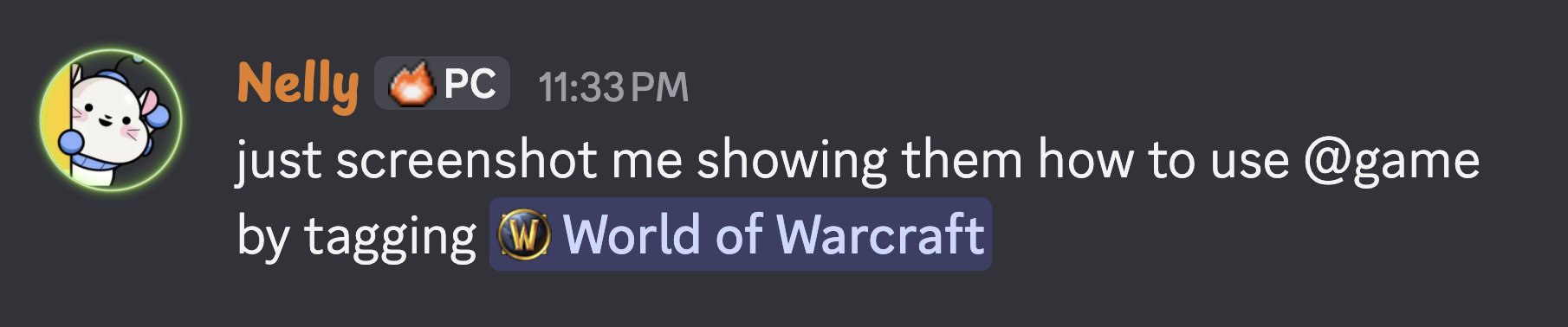
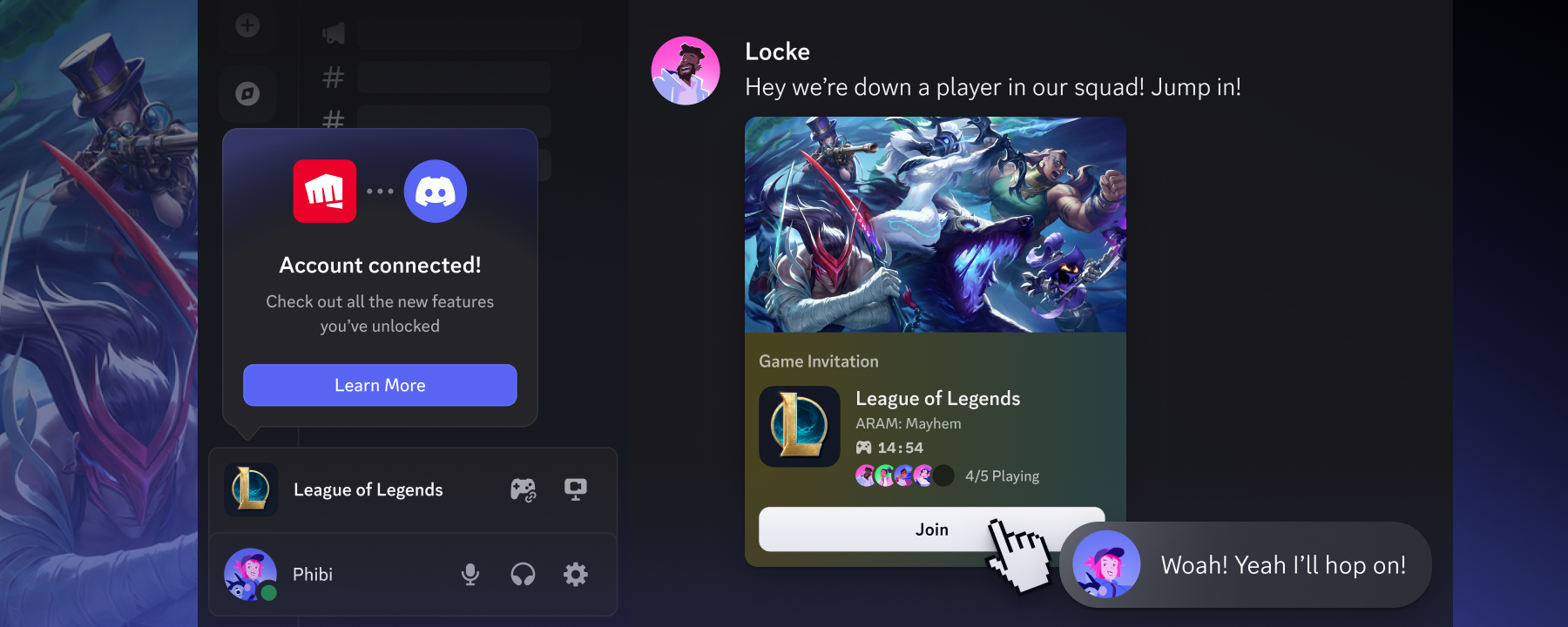
On desktop, share a game by mentioning it. By typing @game, you can search for any game with a Discord profile and embed it in your message, like <@game Palworld> or <@game Sunderfolk>. Mobile support in the works!
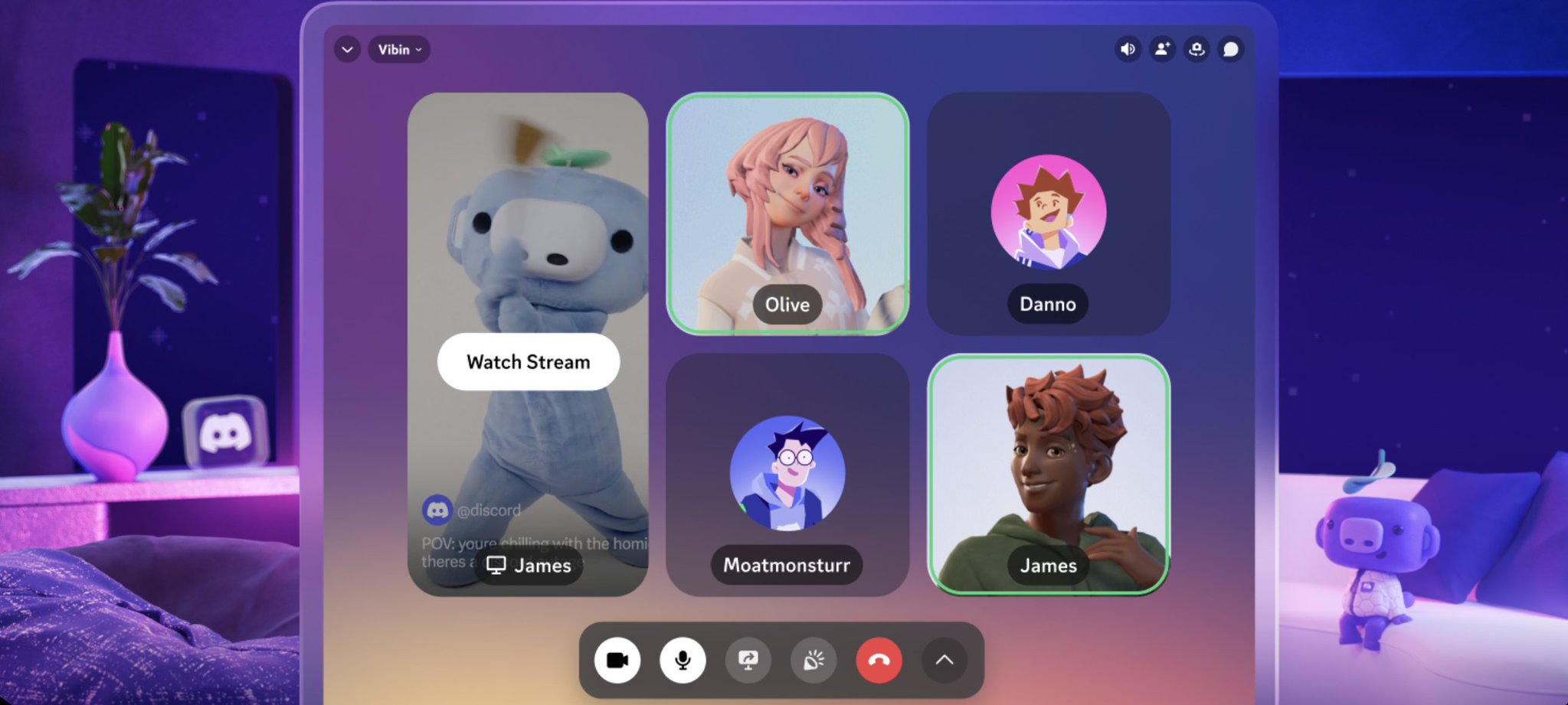
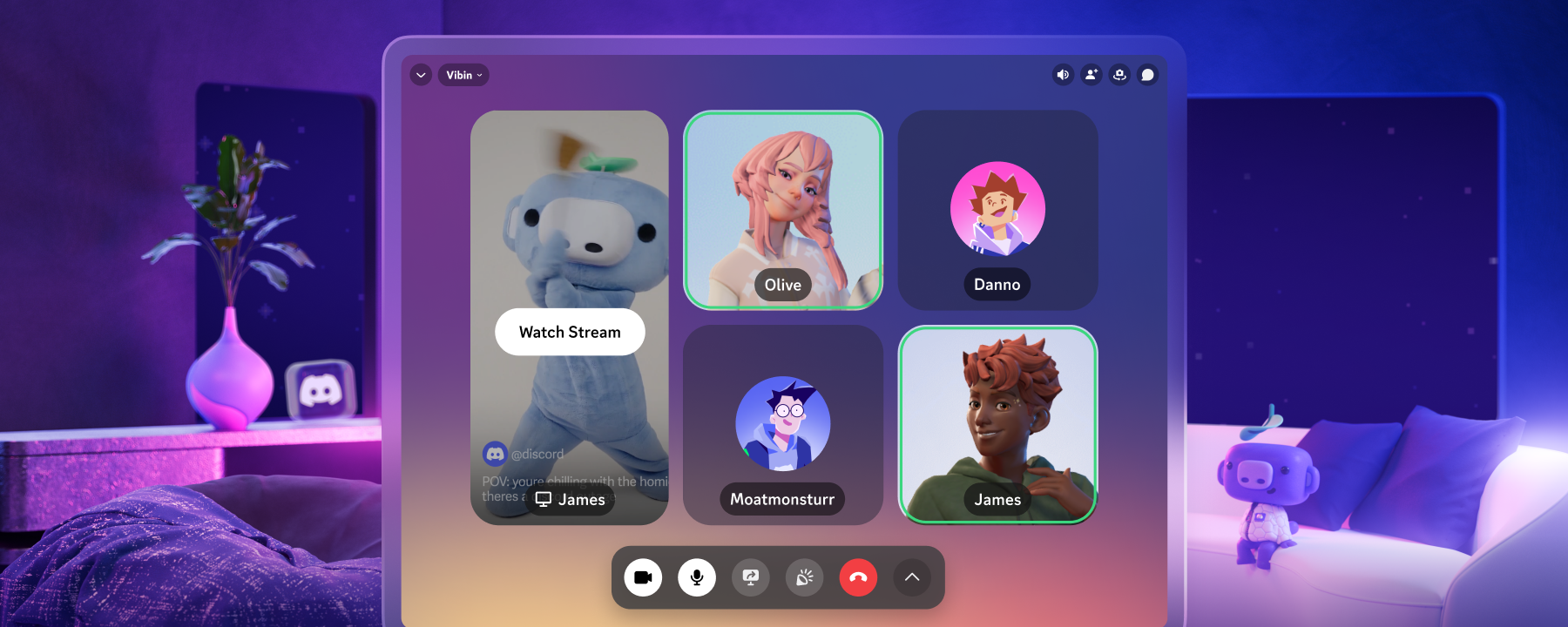
Goggle-wearers rejoice: Discord’s on Meta Quest! Keep the app pinned in your virtual environment while playing a VR game, or like, boiling eggs. With your headset on.
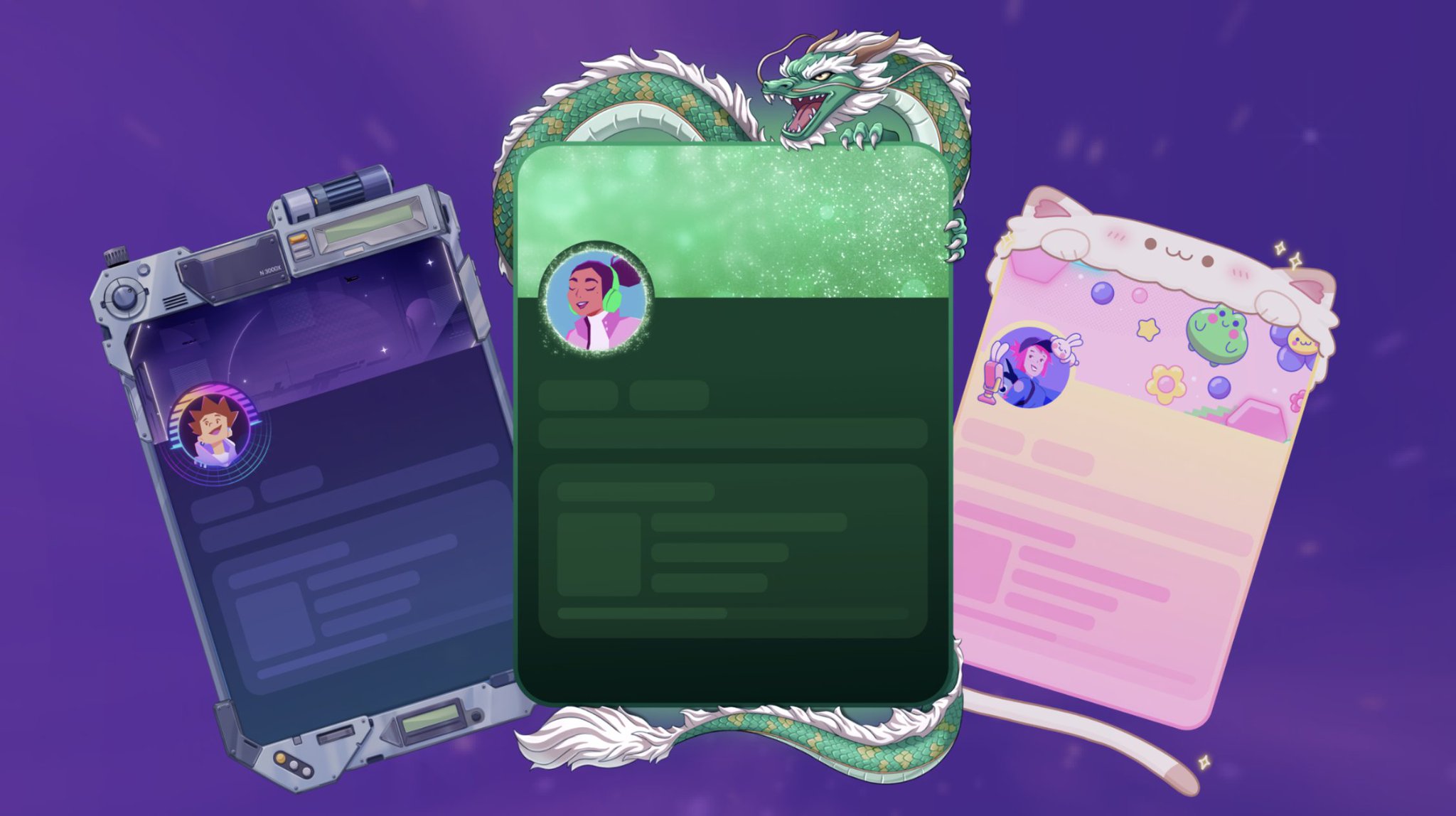
Frame your picture-perfect profile by adding one of the newest profile customization options in the Shop: Frames!
But is that all? Not in the slightest.
Interested in the minutia of what gets worked on in the app? We have a big list for those who want to get nitty gritty. Link below ⬇︎
🔗Discord Patch Notes: Aug 2026 Highlights:
We've shipped another portion of our User Settings redesign:
- Activity is now Games & Apps
- Content & Social is now Messaging Permissions
- Related settings, such as Authorized Apps/Connections and OS-specific pages/keybinds, have been consolidated for clarity.
- We've made language and style updates across several settings pages, including Data & Privacy and Activity Privacy.
🖥️ We upgraded our Desktop client to using Electron 42, which aside from general maintenance best practices on our end, yielded some incremental improvements to CPU usage of our app.

STILL HERE???
If you’re itching for EVEN MORE Discord fixes and updates, you can find our previous Patch Notes articles here, or check out our archive of past Changelogs.
Also, if you encounter one of those tiny, minute 🐛 issues of your own, check out our Bimonthly Bug Megathread on the community-run r/DiscordApp subreddit. Tell us what’s been bothering you, and our Engineering team will be more than happy to check it out.








.png)
.png)




Nameplates_BlogBanner_AB_FINAL_V1.png)

_Blog_Banner_Static_Final_1800x720.png)


_MKT_01_Blog%20Banner_Full.jpg)


.png)


